Database Security Enforced Database security - only authorized - - PDF document

database security
SMART_READER_LITE
LIVE PREVIEW

Database Security Enforced Database security - only authorized - - PDF document

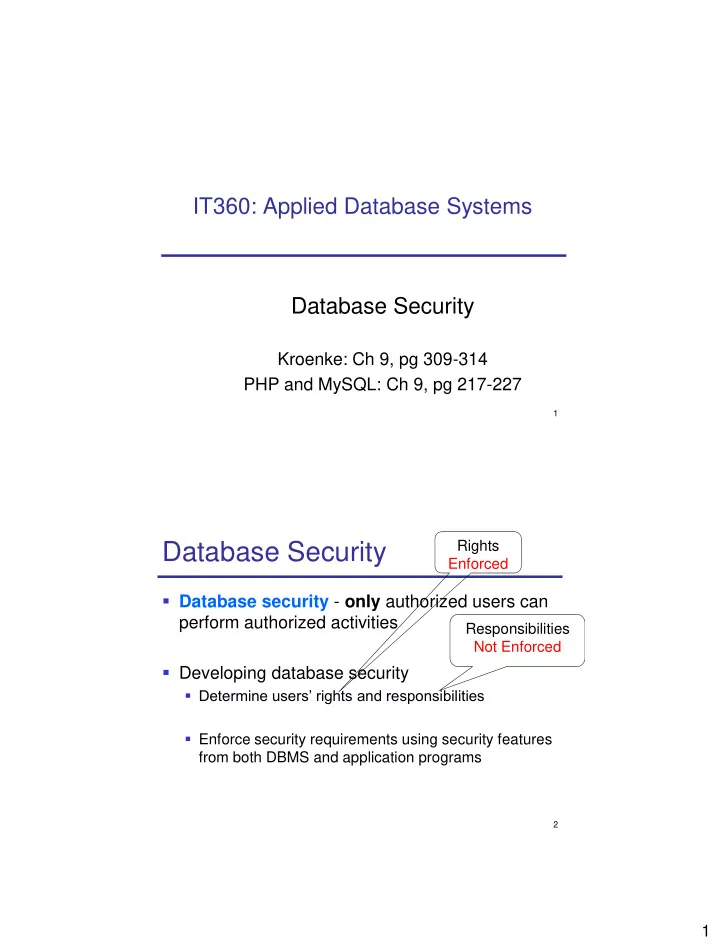
IT360: Applied Database Systems Database Security Kroenke: Ch 9, pg 309-314 PHP and MySQL: Ch 9, pg 217-227 1 Rights Database Security Enforced Database security - only authorized users can perform authorized activities Responsibilities


slide-1
SLIDE 1

1

1

IT360: Applied Database Systems Database Security

Kroenke: Ch 9, pg 309-314 PHP and MySQL: Ch 9, pg 217-227

2

Database Security

  • Database security - only authorized users can

perform authorized activities

  • Developing database security
  • Determine users’ rights and responsibilities
  • Enforce security requirements using security features

from both DBMS and application programs Rights Enforced Responsibilities Not Enforced

slide-2
SLIDE 2

2

3

DBMS Security

  • DBMS products provide security facilities
  • They limit certain actions on certain objects to

certain users or groups (also called roles)

  • Almost all DBMS products use some form of

user name and password security

  • Examples?

4

Principle of Least Privilege

  • Privileges
  • “A user (or process) should have the

lowest level of privilege required to perform his assigned task”

slide-3
SLIDE 3

3

5

GRANT and REVOKE

  • GRANT – create users / grant them privileges
  • REVOKE – remove privileges
  • Privileges:
  • ALL
  • SELECT
  • INSERT, DELETE, UPDATE
  • CREATE, ALTER, DROP
  • USAGE

//no privileges

6

GRANT Syntax

GRANT privileges [columns] ON object TO user [IDENTIFIED BY 'password'] [WITH GRANT OPTION] Example: GRANT ALL ON dbmusic.* TO dbuser IDENTIFIED BY ‘userpass’

slide-4
SLIDE 4

4

7

REVOKE Syntax

REVOKE priv_type ON object FROM user [, user] Example: REVOKE INSERT ON dbmusic.* FROM dbuser

8

Changing the Password – Option 1

  • mysql database, user table, password

column UPDATE user SET Password = PASSWORD(‘newpass’) WHERE User = ‘dbuser’; [flush privileges;]

slide-5
SLIDE 5

5

9

Changing the Password – Option 2

  • SET PASSWORD

[FOR ‘username’@’host’] = PASSWORD('newpass'); Example: While logged in as dbuser SET PASSWORD = PASSWORD(‘it360’)

10

DBMS Security Guidelines

  • Run DBMS behind a firewall, but plan as

though the firewall has been breached

  • Apply the latest operating system and

DBMS service packs and fixes

  • Use the least functionality possible
  • Protect the computer that runs the DBMS
slide-6
SLIDE 6

6

11

DBMS Security Guidelines

  • Manage accounts and passwords
  • Use a low privilege user account for the DBMS service
  • Protect database accounts with strong passwords
  • Monitor failed login attempts
  • Frequently check group and role memberships
  • Audit accounts with null passwords
  • Assign accounts the lowest privileges possible
  • Limit DBA account privileges
  • Planning
  • Develop a security plan for preventing and detecting security

problems

  • Create procedures for security emergencies and practice them

12

Application Security

  • If DBMS security features are inadequate,

additional security code could be written in application program

  • Example?
  • Use the DBMS security features first
slide-7
SLIDE 7

7

Application Users

  • Enforce strong passwords
  • Never store passwords in plain text

13 14

SQL Injection Attacks!

  • SQL injection attack occurs when data

from the user is used to modify a SQL statement

  • Example: users are asked to enter their

alpha into a Web form textbox

  • User input: 131234 OR TRUE

SELECT * FROM STUDENT_GRADES WHERE Alpha = 131234 OR TRUE;

  • Result?
slide-8
SLIDE 8

8

15

Making your MySQL Database Secure - Server

  • Do not run MySQL (mysqld) as root!
  • Set up a user just for running the server
  • Make directories accessible just to this user
  • Run MySQL server behind a firewall

16

Making your MySQL Database Secure - Passwods

  • Make sure all users have strong passwords
  • Connecting from PHP:
  • Have the user and password stored in a file

myConnectDB.inc.php and include this file when required

  • Store myConnectDB.inc.php outside web tree

($_SERVER[‘DOCUMENT_ROOT’])

  • Store passwords only in .php files (not .inc,.txt, etc.)
  • Do not store application passwords in plain text.

Use sha1() or other hashing method.

slide-9
SLIDE 9

9

17

Making your MySQL Database Secure – User Privileges

  • Use principle of least privilege:
  • Grant only the privileges actually needed to

each user

  • Grand access only from the host(s) that they

will be connecting from

18

Making your MySQL Database Secure – Web Issues

  • Set up a special user just for web

connections, with minimum required privileges

  • Check all data coming from user (SQL

Injection Attacks!!)

  • addslashes() / stripslashes()
  • doubleval()