
SLIDE 1
Department of Information Technology
TUTORIAL
Recording a Presentation to Zoom Cloud
In this tutorial, you are going to learn how to record a lecture presentation with live auto-captioning without having students on your session if so desired. Also, how to publish your recording to your eCampus course.
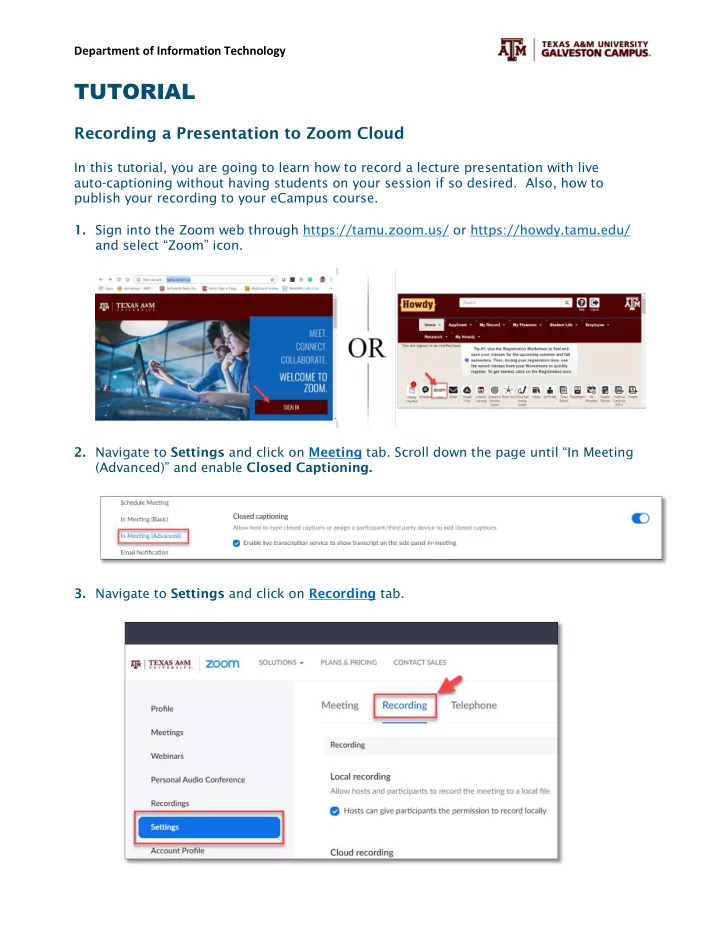
- 1. Sign into the Zoom web through https://tamu.zoom.us/ or https://howdy.tamu.edu/
and select “Zoom” icon.
- 2. Navigate to Settings and click on Meeting tab. Scroll down the page until “In Meeting
(Advanced)” and enable Closed Captioning.
- 3. Navigate to Settings and click on Recording tab.