SLIDE 1 1
Other I/O
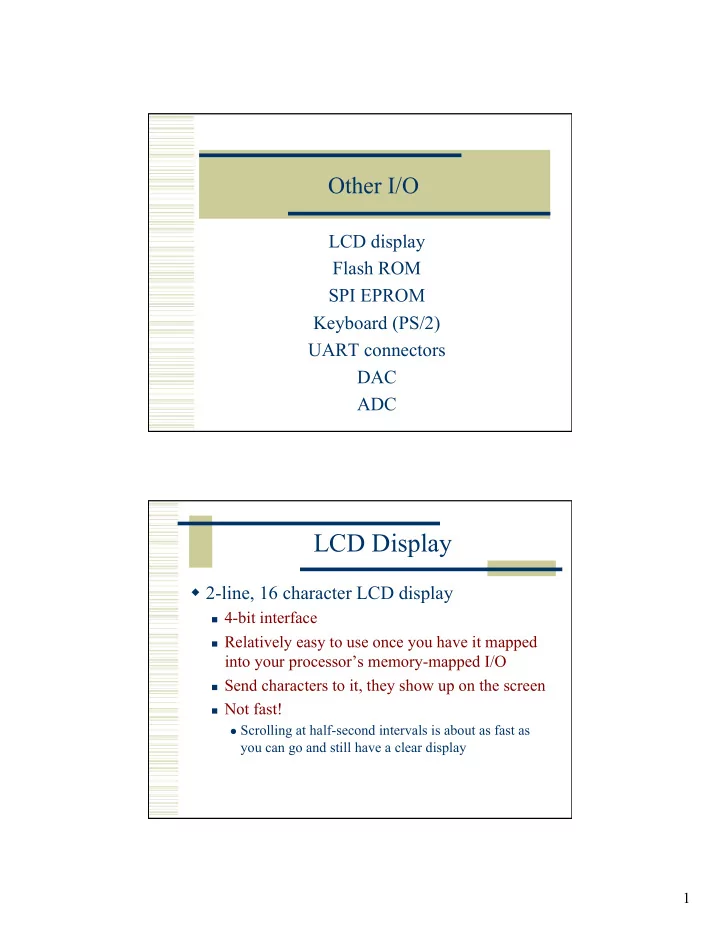
LCD display Flash ROM SPI EPROM Keyboard (PS/2) UART connectors DAC ADC
LCD Display
2-line, 16 character LCD display
4-bit interface Relatively easy to use once you have it mapped
into your processor’s memory-mapped I/O
Send characters to it, they show up on the screen Not fast! Scrolling at half-second intervals is about as fast as
you can go and still have a clear display
SLIDE 2
2
LCD LCD Control
SLIDE 3 3
LCD Control LCD Data
Three memory areas inside LCD
DD RAM – memory to hold the characters being
displayed
Two rows of 16 characters to display Also 24 extras per line that can be scrolled CG ROM – Pre-defined character map 192 pre-defined characters CG RAM – RAM to hold 8 custom characters 5x8 bit character/glyphs
SLIDE 4 4
DD RAM
DD RAM – memory to hold the characters being displayed
Data written to each of these locations is the
8-bit address of a character in the CG ROM/ RAM
CG ROM/RAM
For example, 8’h53 = S
Note the
Japanese kana characters…
Also, notice the 8 CG RAM locations
Addresses
8’h00 to 8’h07
SLIDE 5 5
CG RAM
This example is custom character 0’h03
Note that there are 8 rows in custom character 3 So, it takes 8 writes to make a custom character Row address is incremented automatically…
Operation Overview
Pick an LCD screen location
Write an 8-bit character address to that location Then it shows up on the screen
Pick a CG RAM location
Write 8 bytes starting at that location Now you can use that new custom character
Do it all with just a four-bit interface…
Lots of little nibble writes….
SLIDE 6
6
Command Set
Commands are sent upper-nibble first
Command Set
SLIDE 7
7
Command Set Command Set
Commands are sent upper-nibble first
SLIDE 8 8
Write Timing Memory Mapped I/O
So, as a practical matter, the easiest way to deal with the LCD is to map the interface to a memory-mapped location
Now you can, under program control, change the
values on the data and control wires
Your Processor en I/O Reg Writing to the address of the LCD Reg will update its value
SLIDE 9
9
Initialization
Remember, this display is SLOW compared to 50MHz!!!
Configuration
SLIDE 10 10
Using the Display Remember timing!
The LCD_E enable pulse must be high for at least 230ns (12 clock cycles at 50MHz) The two nibbles must be separated by 1µs (50 cycles) Two different commands must be separated by 40µs (2000 cycles)
But, these are easily done in an assembly
language program… (as are the even longer configuration delays)
SLIDE 11 11
Strata Flash
16 MByte (8 Mword) flash ROM
Designed to hold
configuration data for the Spartan part
But, can be used for
general non-volatile data
Strata Flash
Some data lines are shared with the LCD
But, if you don’t
read back from the LCD they can both work together
SLIDE 12 12
Writing to the Strata Flash
Tricky! Luckily, there is reference design on the Xilinx web site that implements a Flash programmer
You can use this to load data to your board See class web site in the xilinx examples
directory
www.eng.utah.edu/~3710/xilinx-docs/examples s3esk_picoblaze_nor_flash_programmer
Xilinx Flash Project
SLIDE 13 13
Reading from the Flash
Not as tricky
But, the flash has a 75ns access time So, it will take four 50MHz cycles to read data Each cycle is 20ns Set SF_oe and SF_ce active (low) and wait for
four cycles (80ns) before grabbing return data…
As usual map the flash into your processor’s
memory-mapped address space
Xilinx Example
SLIDE 14
14
Xilinx Example Read Waveforms
75ns
SLIDE 15 15
Page Mode Read
75ns 25ns
SPI Serial Flash
16Mbit – SPI serial protocol Mostly used for Xilinx configuration
But, you can use it for data if you want to
You can program it using the Impact tool As with all Flash – reading is (relatively) easy, writing is more complex
In this case, reading one byte takes 40 clock
ticks…
SLIDE 16 16
SPI Serial Flash Serial Output
Two pins: Clk and Data
New data presented at Data pin on every clock Looks like a shift register
SLIDE 17
17
SPI Serial Flash
SLIDE 18 18
SPI Serial Flash
32 clocks before data starts coming back (runs up to 75MHz) Then 8 more ticks to get the data (MSB first)
PS/2 Keyboard Interface
Standard keyboard interface
Serial protocol similar to UART, but with its
When you press a key, the keyboard sends a
“make code” (one, sometimes two, bytes)
When you release the key, the keyboard sends a
“break code” (two, sometimes three, bytes)
Collectively, these are known as “scan codes”
SLIDE 19
19
PS/2 Keyboard Interface PS/2 Keyboard Interface
Codes are sent LSB first with Odd parity Note that 11 bits are sent for each code start, 8-data, odd parity, stop 20-30 kHz
SLIDE 20
20
Scan Codes (Make Codes)
Break codes are the same, but prefixed with 0xF0 for example – Q break code is 0xF0 0x15, is E0 F0 74
ASCII codes
SLIDE 21 21
PS/2 Things to Keep in Mind
When you press and hold a key, the make code is
sent every 100ms or so
If no key is pressed, both clk and data are in their
idle state
Probably want a PS/2 controller that grabs codes
and puts them in a register that can be read by your program (memory mapped I/O)
Probably want to set a bit that says “new code”
that gets cleared when the code is read
PS/2 Mouse
Whenever the mouse moves it Sends three bytes. Status tells you state of buttons sign of X and Y, and overflow for X and Y
SLIDE 22
22
UART
Two main parts: Connectors Voltage translator You provide the UART circuit! (See 3700 UART for details)
UART Basics
9600 * 8 = 76.8kHz 50MHz/651 = 76.805kHz
SLIDE 23 23
UART Basics UART Basics
Use rcv-req as a flag to be read by your program? Assert xmt-req by your program to initiate send?
50MHz clock
SLIDE 24
24
Digital to Analog Converter
Four-channel 12-bit DAC Serial SPI protocol - up to 50MHz 32-bit data format
SPI ADC
SLIDE 25
25
SPI ADC Other SPI Parts
Remember to disable the other SPI devices…
SLIDE 26
26
Analog Capture
Programmable scaling pre-amplifier 14-bit ADC SPI interface to both of them
Analog to Digital Converter
SLIDE 27
27
SPI to Pre-amp SPI to ADC
SLIDE 28 28
Summary
All I/O can be mapped into your memory space
You have lots of room left over in the addressable space if
you use block RAMs only
Might need custom FSMs to actually talk to the I/O
Control the devices under program control
Some memory locations will be data, some will be control Writing or reading these locations will have I/O side
effects
Remember to consider timing!
Think about how your program will interact with I/O
Memory Map
I/O Switches/LEDs UART Code/Data Flash ROM? Code/Data 0000 3FFF 4000 7FFF 8000 BFFF C000 FFFF 16k words (32k bytes) Top two address bits define regions? Word addresses 4k additional words Block RAM Frame buffer? Glyphs?